uMobix vs Bark
Why choose the uMobix phone tracker instead of Bark parental control?
- Full access to social media accounts
- uMobix monitors 30+ social media platforms and messengers
- Not just parental control but all-in-one cell phone tracker
- uMobix monitors call logs history

uMobix vs Bark Comparison
Check out the uMobix vs Bark comparison below to find out why uMobix is the better choice to be installed on the target device.


*Tap on the boxes to see or hide the details
Full access to social media accounts
uMobixBarkMultipurpose app
uMobixBarkOnline status indicator
uMobixBarkDeleted information monitoring
uMobixBarkGeofinder without tracking software installation
uMobixBark24/7 support
uMobixBark


1-minute installation on Android
uMobixBarkScreenshot reporting
uMobixBarkStealth mode
uMobixBarkCall log history report
uMobixBark


uMobix Revolutionary Features
So, how does uMobix work, and what are its core features?
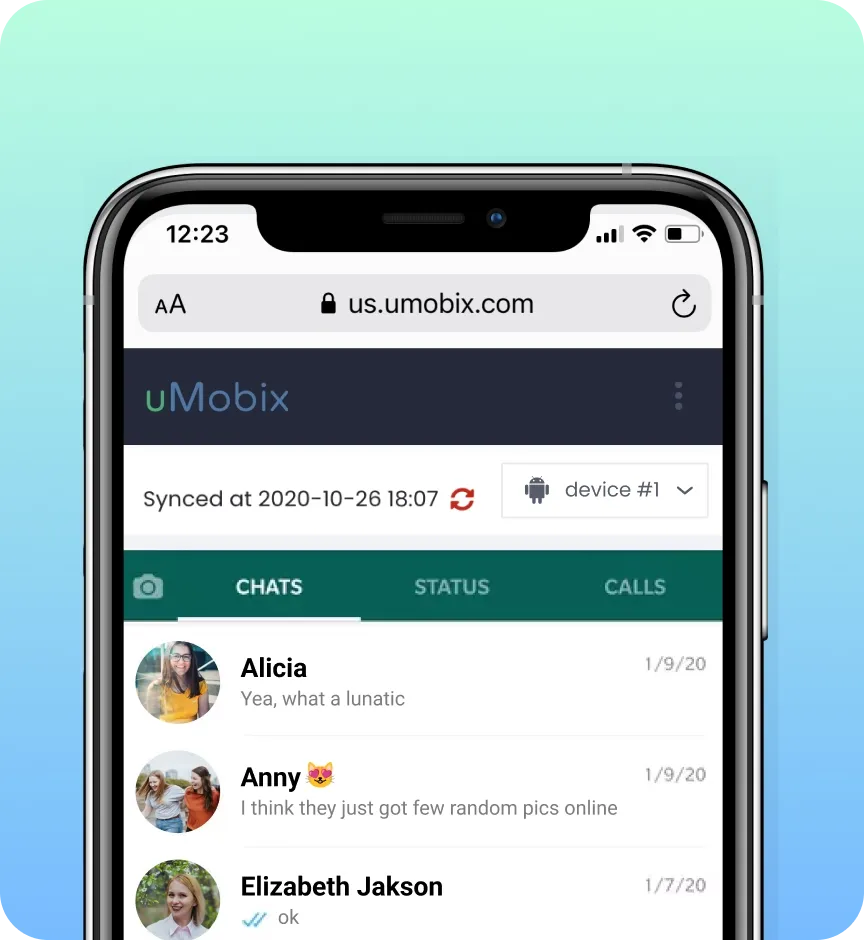
Full access to Instagram, Facebook, WhatsApp, TikTok on Android
With uMobix, you will experience quite another level than any apps offer – you step into someone else's account as if it were your own, with the ability to navigate and control everything. Just be careful and don’t leave traces.
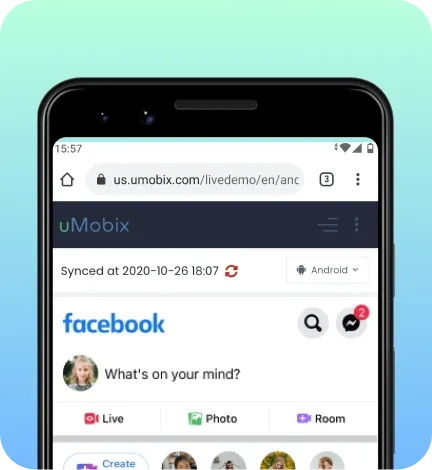
Screenshot reporting
No important data will go unnoticed. Even if they delete anything on their device, you will be notified of that through screenshots. Capture every letter, message, and file they share, receive, and even delete from their smartphone with uMobix!
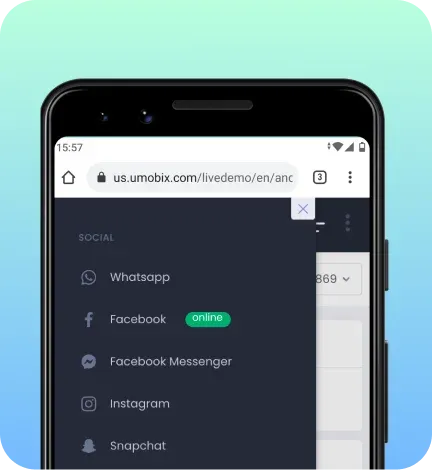
Online status indicator
uMobix shows a green icon next to each tab in your account when the user is online. Nothing has been easier than that.
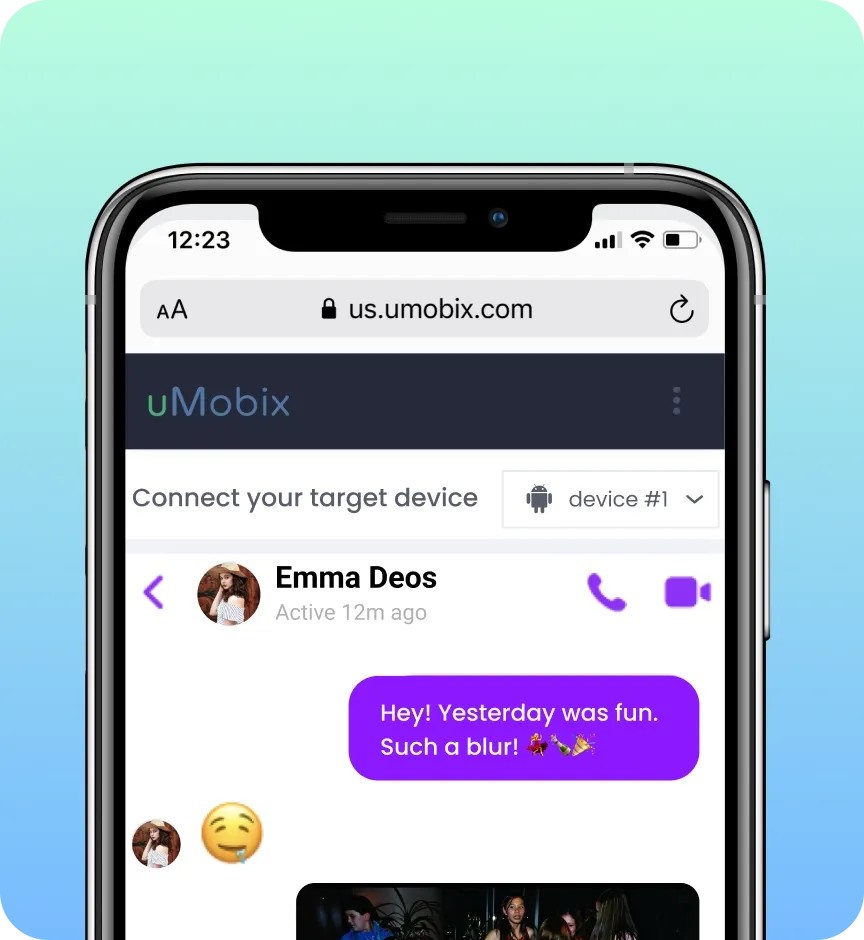
Erased & encrypted chats
Thanks to screenshot reporting, self-destructing messages on Instagram, vanishing texts on Snapchat, or erased chats won’t slip past your eye. Be certain that with uMobix, you will know everything you want!
uMobix in Numbers
30%
Annual user growth
More users choose uMobix year after year
200+
Experts
Continuously develop new premium features
20+
Publications globally
Featured by leading media, including Forbes and Business Insider
5+
Years of proven track record
Trust earned over years built on real results
How to Get Started with uMobix?
Here are a few easy and quick steps to start using the uMobix app:
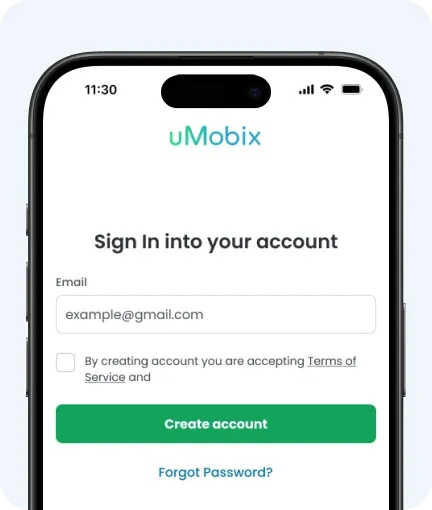
1. Register
Create your uMobix account using a valid email address you have access to. Check the uMobix cost and choose a preferred subscription plan.
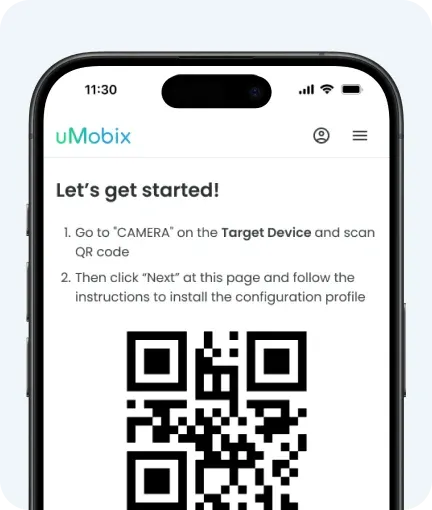
2. Install
Take the target Android cell phone for 5 minutes to install/sync the app. You will get a detailed user manual so that you won't have any difficulties with it. No rooting or jailbreaking.
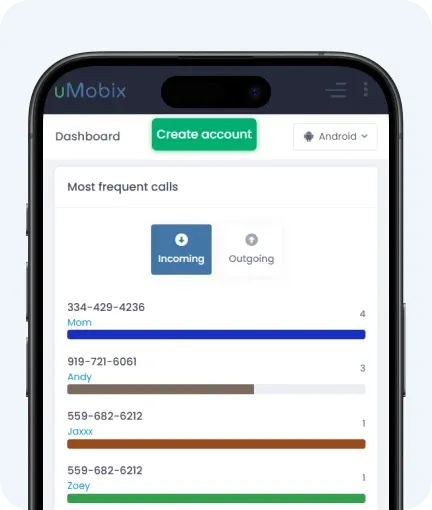
3. Monitor
Once the app is installed on the target cell phone, log into your uMobix account and start tracking their smartphone activity remotely.
Trusted by users worldwide

Anna M.
I installed uMobix to control my son’s screen time. Now I check the dashboard once a day and feel calm about what’s happening online.

Francesco P.
Location tracking is really helpful when my daughter is out after school. I don’t feel the need to call or message her all the time anymore.

Linh R.
Nice app! I like having messages and app usage in one place. It makes it easier to notice patterns and talk with my kid about phone habits.

Paola P.
Activity history is very useful, especially in AI chats. I like seeing deleted messages and social media, so I can protect my kid better.

Mark D.
uMobix phone tracker works as expected. Updates come in, and the dashboard is easy to navigate. Location tracking is awesome.

Laura G.
Like this service and its brand! I had a couple setup issues, but support replied pretty quickly. After that, it runs well in the background.


Frequently Asked Questions
uMobix vs Bark – are their features the same?
uMobix vs Bark – are both apps multipurpose?
What app is better for social media monitoring?
How does uMobix work?
Can a child delete the Bark app?