uMobix vs Qustodio
Why choose the uMobix cell phone tracker instead of Qustodio parental control?
- Get access to social media accounts
- Wide range of features (40+)
- Monitor 30+ social media and messengers
- Track deleted data
- Multipurpose (can be used not only for parental control)

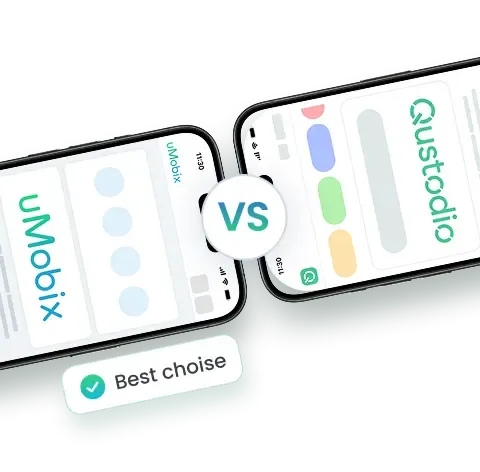
Comparing uMobix and Qustodio
What's a better way to choose a good parental control app than checking out the uMobix vs Qustodio comparison table below and finding out?


*Tap on the boxes to see or hide the details
All-in-one subscription plan
uMobixQustodioSocial media and messengers monitoring
uMobixQustodioMultipurpose app
uMobixQustodioOnline status indicator
uMobixQustodioDeleted information monitoring
uMobixQustodioGeofinder without tracking software installation
uMobixQustodio


Feature-rich
uMobixQustodioHidden mode
uMobixQustodioKeylogger
uMobixQustodioScreenshot reporting
uMobixQustodio


uMobix in Numbers
200+
Experts
Continuously develop new premium features
20+
Publications globally
Featured by leading media, including Forbes and Business Insider
5+
Years of proven track record
Trust earned over years built on real results
10,000+
Active users per month
Thousands rely on uMobix every month for real-time monitoring
Standout Features
The uMobix app offers features that won't leave you unsatisfied – here's what you'll get:
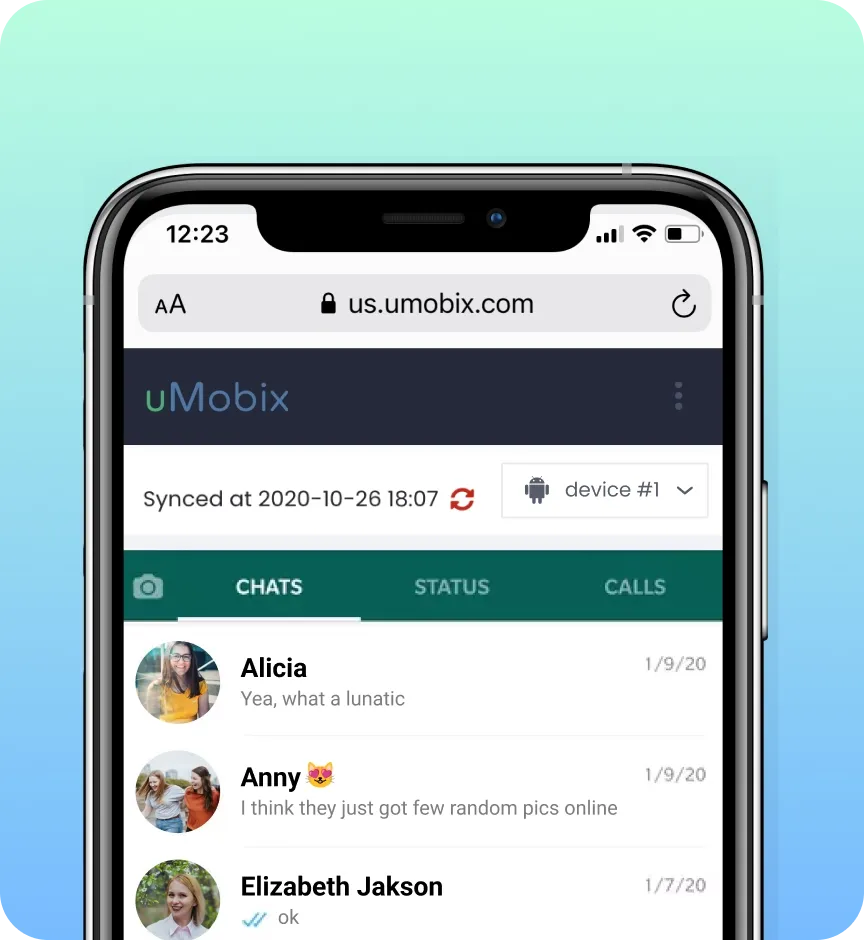
Full access to Instagram, Facebook, WhatsApp, TikTok on Android
You're in – literally. Log into someone's account just like it's yours and take control however you want. Read their messages, reply, check their call logs, or even mess with their settings if you feel like it.
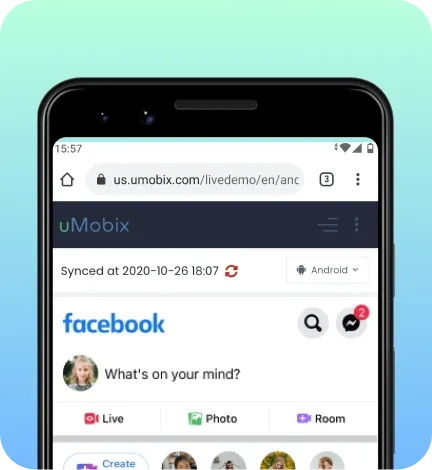
Screenshot reporting
Now you've got a front-row seat to everything happening on their phone in real time – and we mean every text they send, every random Google search, every late-night Instagram stalk, or whatever else is going on. You'll get actual screenshots of their screen for your efforts, with no boring data logs to sort through.
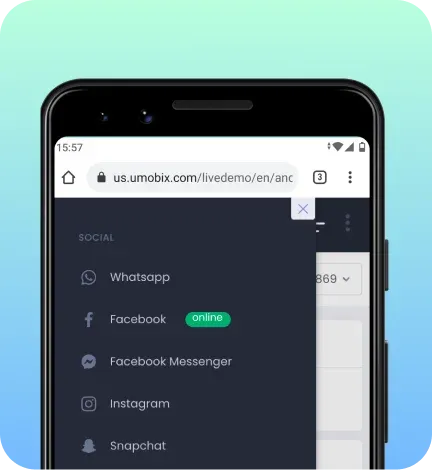
Online status indicator
No more guessing if they're online! The second they open their phone, you'll know. A green dot pops up on your uMobix dashboard whenever they're active – whether they're deep in a TikTok spiral, texting someone they shouldn't be, or scrolling Reddit at 2 AM.
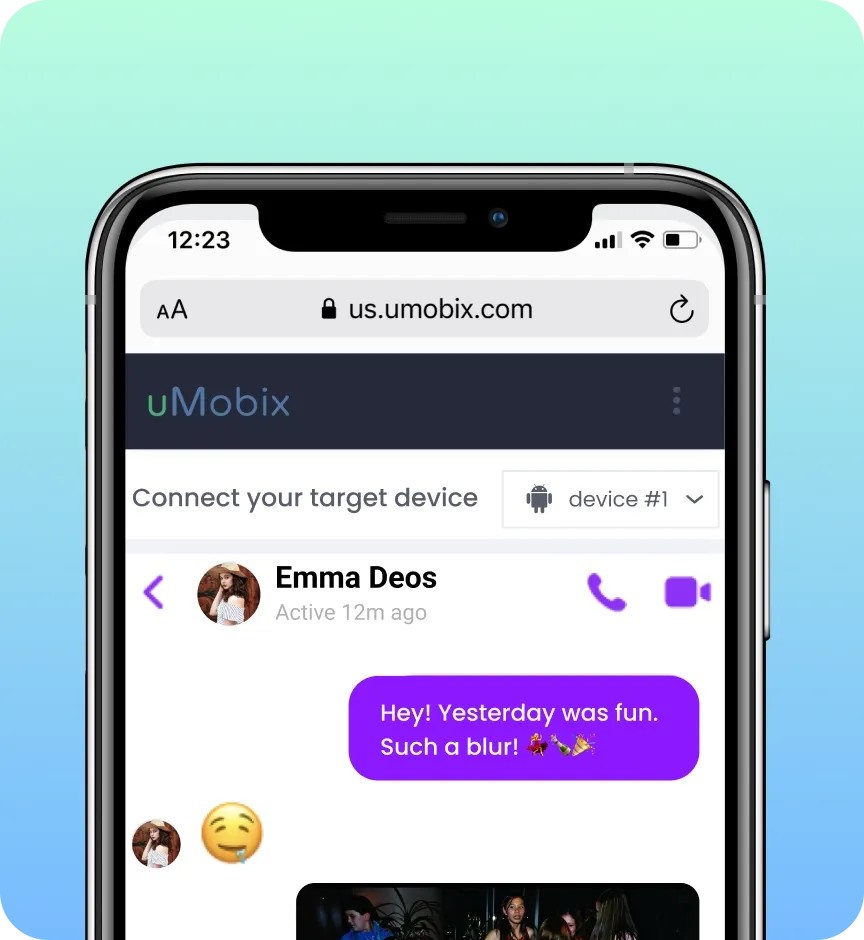
Erased & encrypted chats
Think disappearing messages actually disappear? Nope. uMobix snaps a screenshot before they can even blink, so even if they delete it, it's still sitting safely in your account. "Confidential Mode" might sound secure, but here? Once you see it, it's yours to keep.
How Does uMobix Work?
You can sport Android, but getting started with uMobix will be the easiest thing ever. And if you doubt this, here's a quick rundown on how does uMobix work:
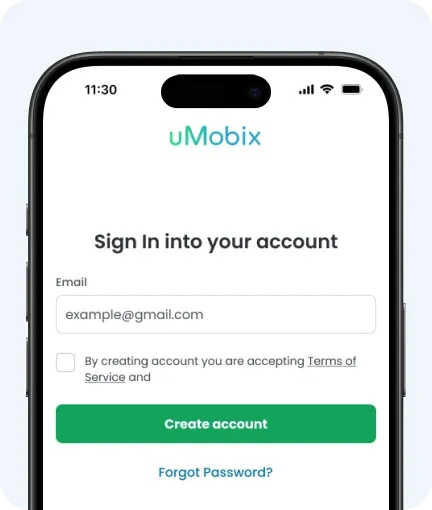
1. Register
Sign up for a uMobix account to get started. You'll need to choose a plan, complete your purchase, and follow the easy, step-by-step guide to get uMobix up and running in no time.
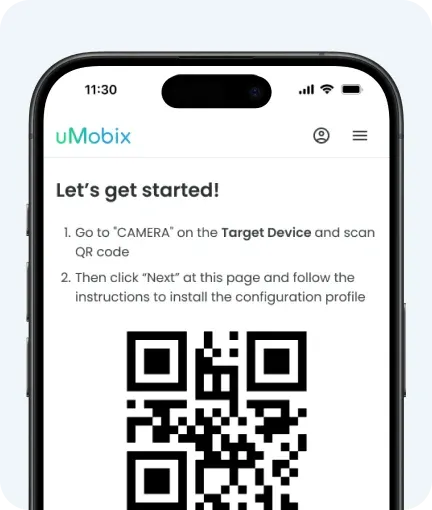
2. Install
You'll need about 5 minutes of access to the target device. For Android, follow the on-screen instructions.
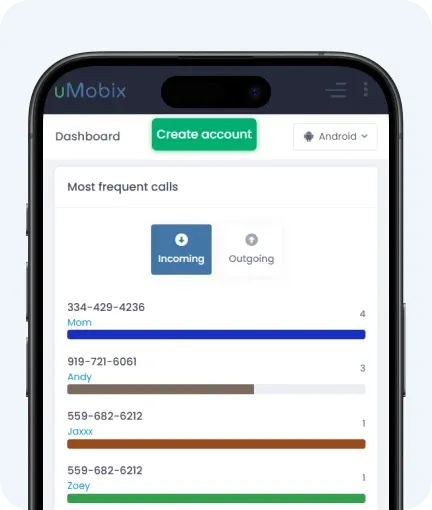
3. Monitor
uMobix stays hidden in the background; you can check everything from your online dashboard whenever needed.
Trusted by users worldwide

Anna M.
I installed uMobix to control my son’s screen time. Now I check the dashboard once a day and feel calm about what’s happening online.

Francesco P.
Location tracking is really helpful when my daughter is out after school. I don’t feel the need to call or message her all the time anymore.

Linh R.
Nice app! I like having messages and app usage in one place. It makes it easier to notice patterns and talk with my kid about phone habits.

Paola P.
Activity history is very useful, especially in AI chats. I like seeing deleted messages and social media, so I can protect my kid better.

Mark D.
uMobix phone tracker works as expected. Updates come in, and the dashboard is easy to navigate. Location tracking is awesome.

Laura G.
Like this service and its brand! I had a couple setup issues, but support replied pretty quickly. After that, it runs well in the background.


Frequently Asked Questions
Is there anything better than Qustodio?
What are the negatives of Qustodio?
Can a child disable Qustodio?
uMobix vs Qustodio: which parental control app is better?
Social media monitoring in Qustodio and uMobix: which app does it better?
uMobix vs Qustodio – are both apps multipurpose?
What app should you choose for cell phone tracking?